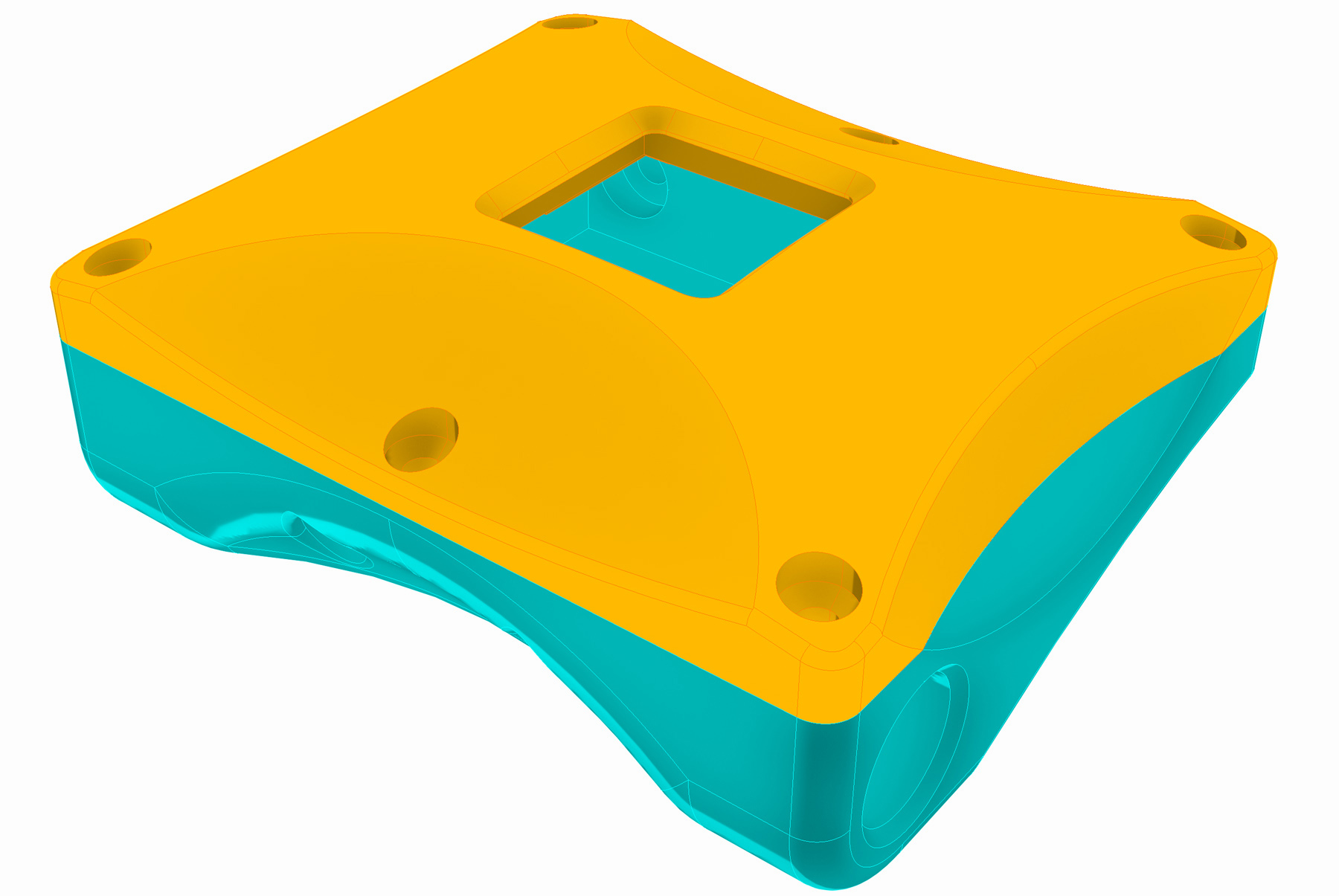
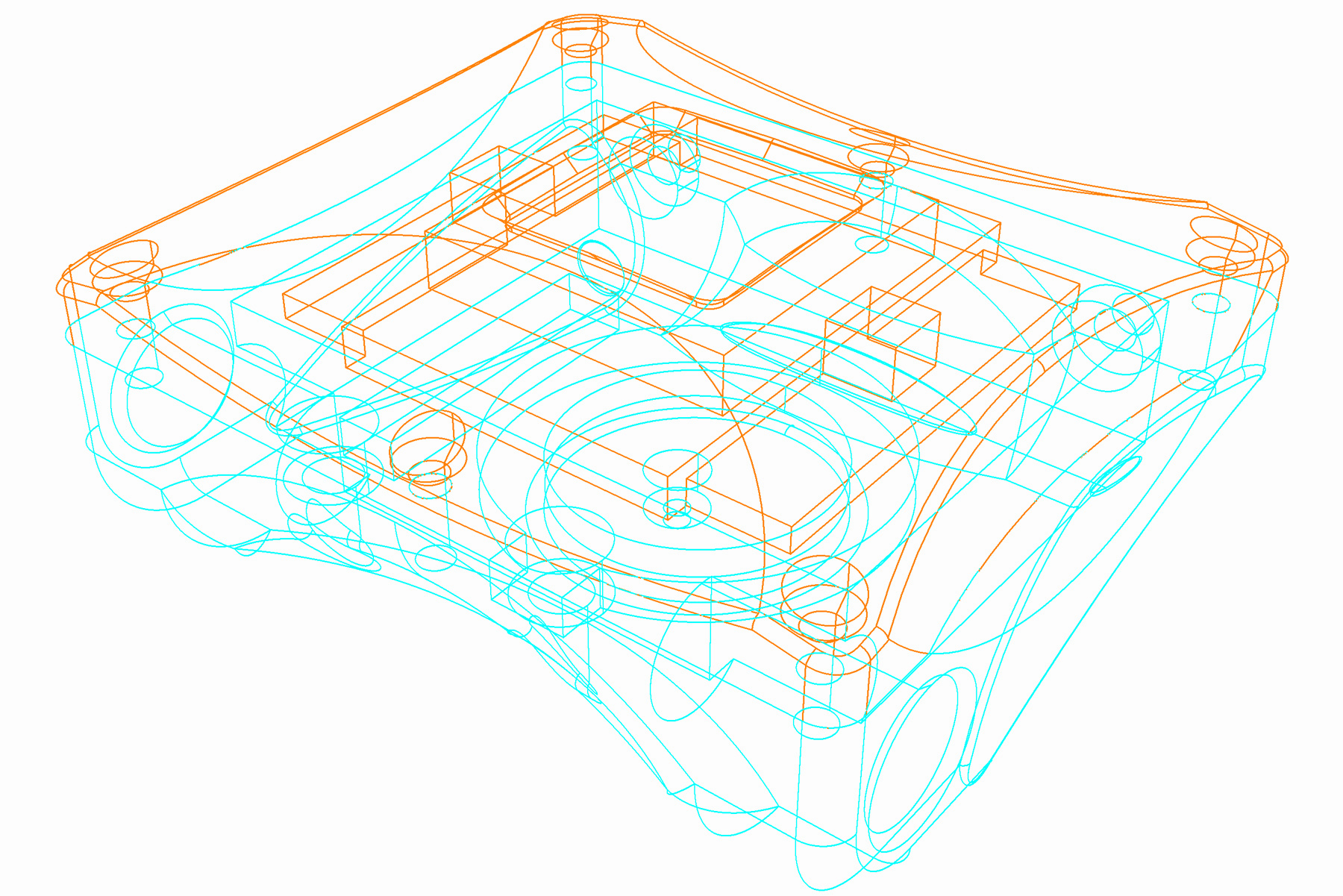
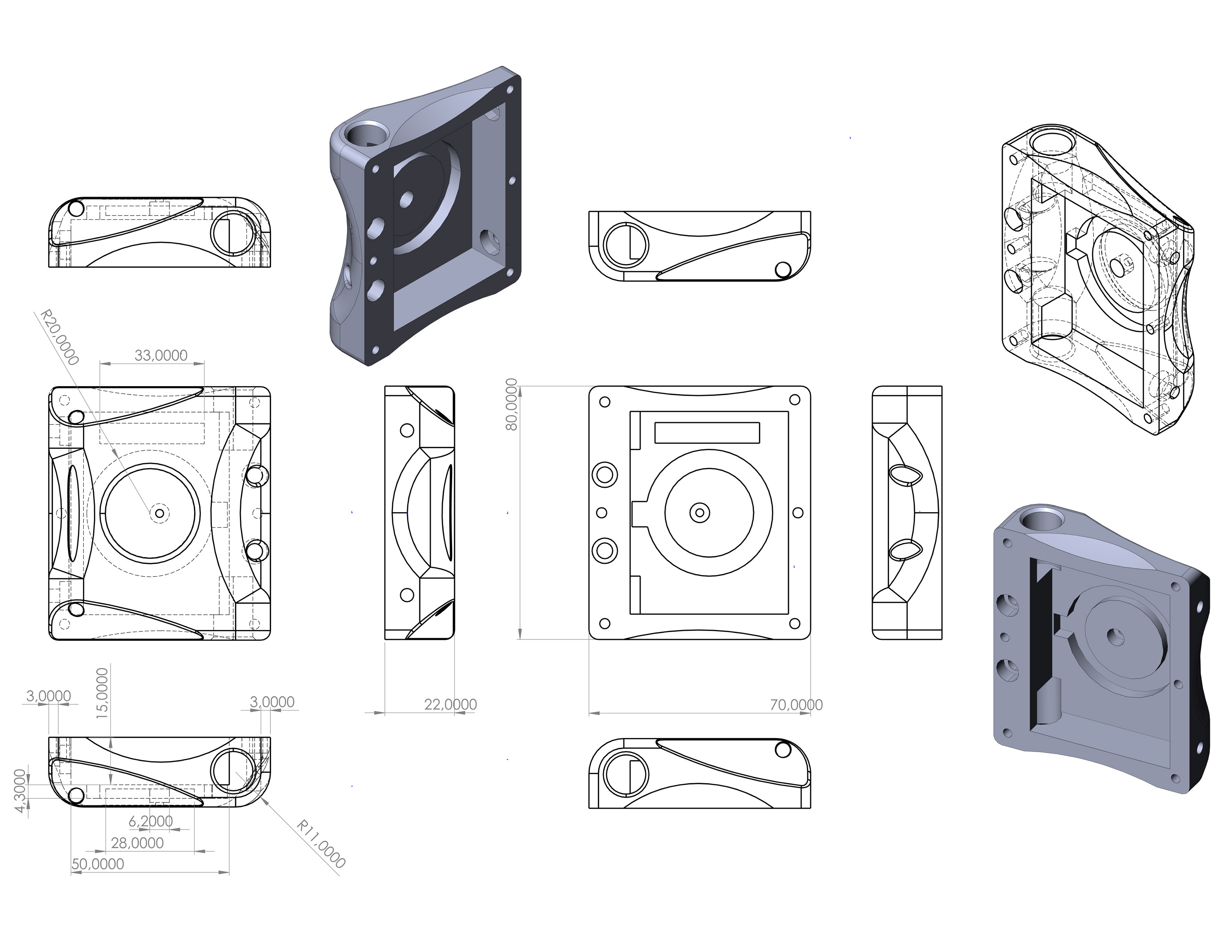
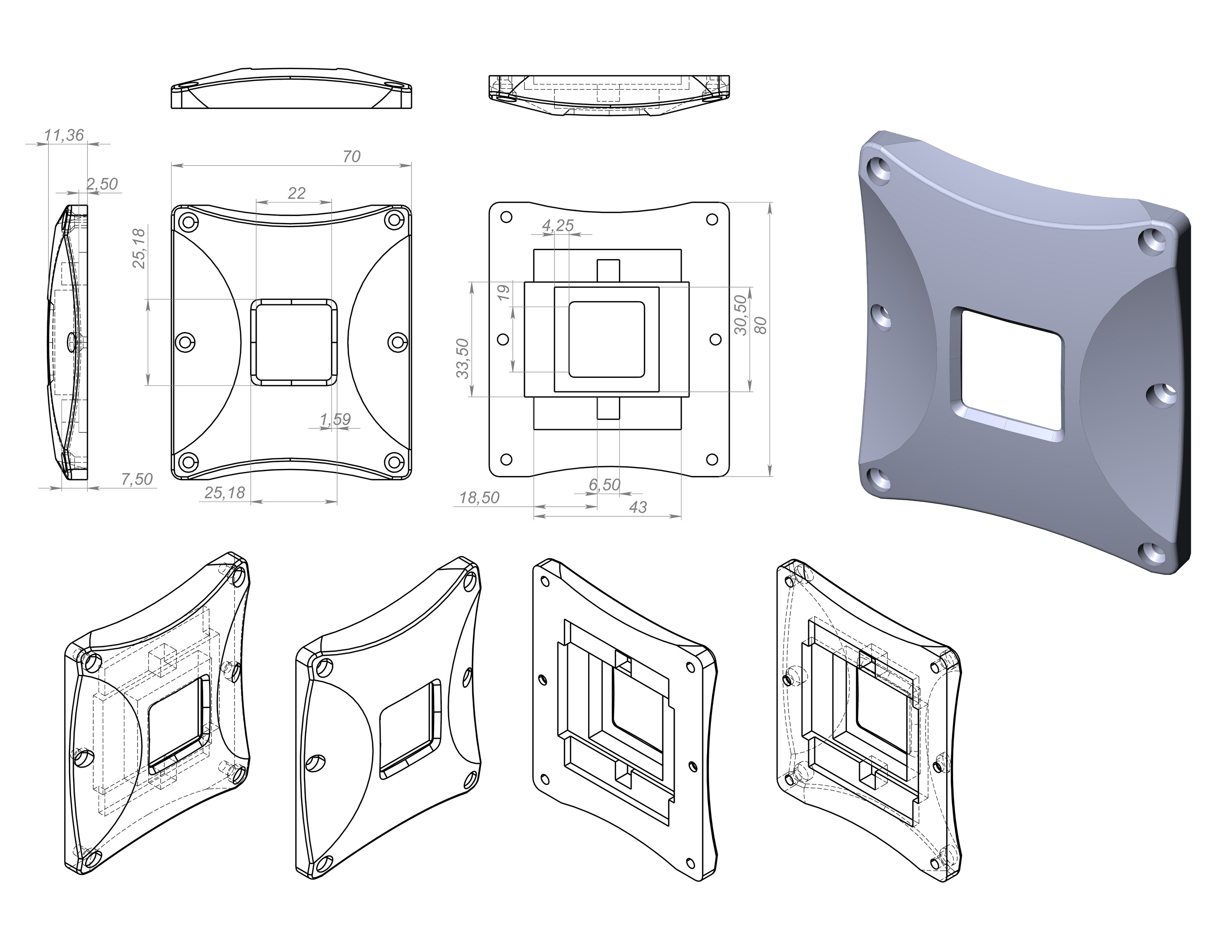
By clicking on the 3D Printing Sorche and Industrial format buttons below you can select the 3D DIVE COMPUTER enclosure variant that suits your requirements.
If you are just beginning development we recommend that you start by placing all the parts of the DIVE COMPUTER in the printed version of the enclosure. This is cheap and will help you avoid assembly problems. The parts can be slightly larger or smaller. You may simply have wires and connections that are too long. We strongly recommend using 3D printing before final assembly.
Here is the Solidworks 2024 or higher format. The project contains everything you need to prepare data for machine and milling operations.